
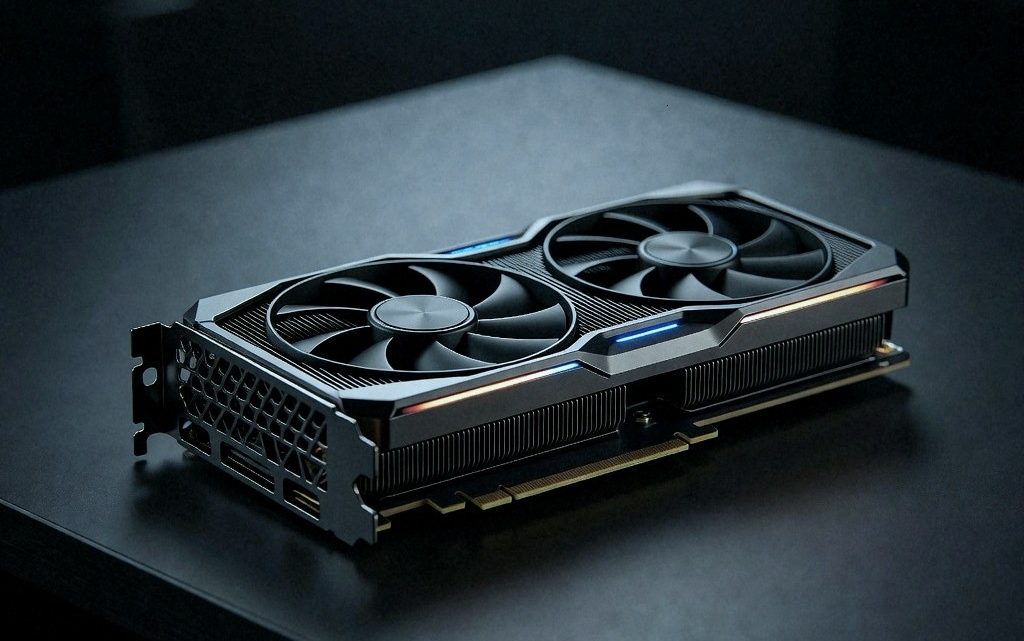
How to Run Qwen 3.8-27B on 32GB of VRAM
September 22, 2026How to run Qwen 3.8-27B locally on 32GB VRAM
Walk into any retailer today and ask for a graphics card with enough memory to run Qwen 3.8 27B at its full native context, and you will get the same answer: an RTX 5090, with street prices sitting north of $5,000. That is an absurd number for a single model running on a home workstation, and it sends a lot of people looking for another way. The good news is that there is one. The catch is that the path to 32 GB is full of small decisions that decide whether a build is a bargain or a paperweight.
The short version is that 32 GB is not a nice-to-have. For this particular model at its full 262,000 token window, it is close to a hard requirement. A 24 GB card will fall over with an out-of-memory crash somewhere past 160,000 tokens, and a 32 GB buffer leaves just enough headroom to finish the job provided nothing else heavy is running in the background.
The memory math behind the number
Most dense 27 billion parameter models would eat 64 GB of VRAM just for the key value cache at 262,000 tokens. Qwen 3.8 27B gets away with 32 GB because of a hybrid architecture. It has 64 layers in total, but 48 of them are gated DeltaNet linear attention blocks. Linear attention keeps a fixed state size, so those layers generate zero conventional KV cache as the sequence grows. Only 16 layers use standard full attention, and those 16 layers use four KV heads with a head dimension of 256.
Run the formula and it comes out clean. Sixteen layers times four KV heads times 256 dimensions times two for keys and values gives 32,768 parameters per token. In FP16 at two bytes per parameter, that is exactly 64 kilobytes per token. At a practical long context of 128,000 tokens, the KV cache takes 8 GB. At the full 261,800 token window, an unquantized FP16 KV cache takes 16 GB. Quantize that cache down to Q8 and the footprint drops to roughly 34.7 kilobytes per token, or about 9 GB at full length.
Now add the weights. A 4-bit quantization such as UD-Q4KXL sits right around 17.6 GB on disk. Add 9 GB for the Q8 KV cache, add the CUDA runtime context and the scratch buffers, and you land at roughly 28.1 GB of allocated VRAM. That is the whole story in one line: 24 GB cards like an RTX 3090 or RTX 4090 will hit an immediate crash on long context, while a 32 GB buffer gives you just enough breathing room to clear the finish line.

The cheapest route runs through the used market
If you need 32 GB of physical VRAM on your desk and you want to spend as little as possible, the lowest cost defensible option is an enterprise card from the previous generation. Specifically, the Tesla V100 PCIe 32 GB. On eBay, used units trade between $645 and $850, and for that money you get 32 GB of HBM2 pushing roughly 900 GB per second of memory bandwidth. On paper that bandwidth crushes any consumer card under $2,000.
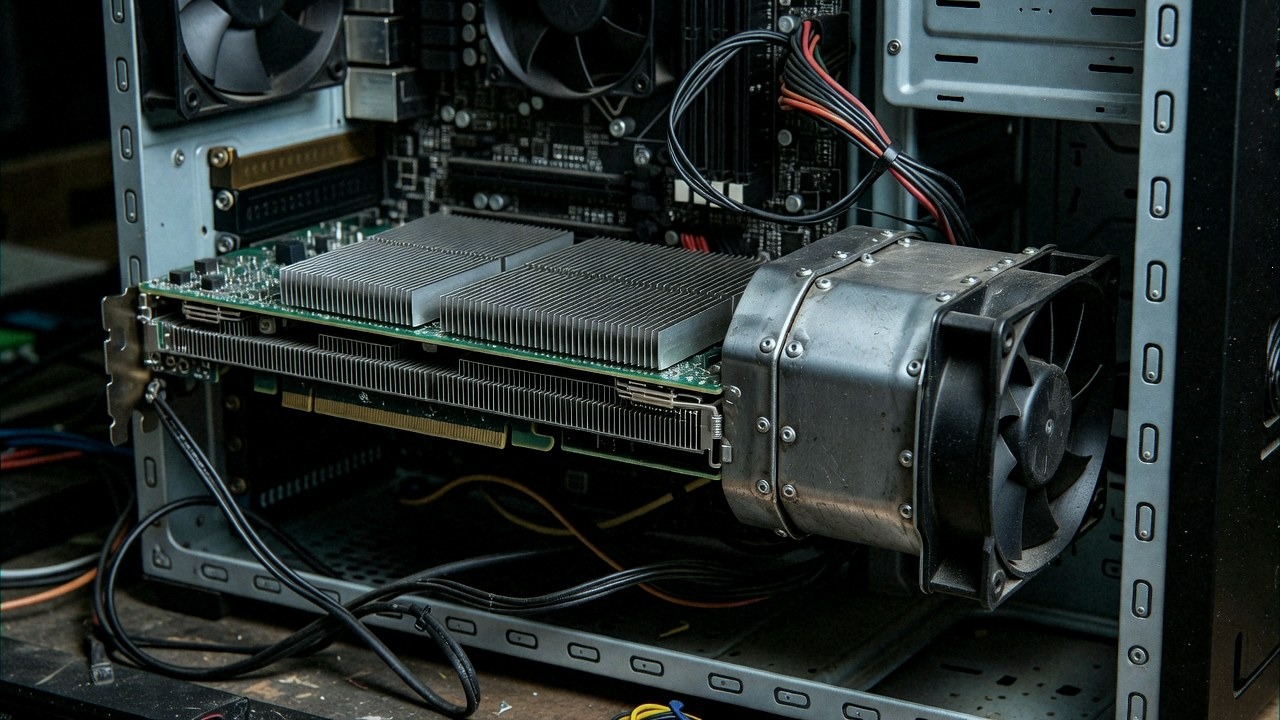
There are two catches you need to understand before you buy one. The first is cooling. The Tesla V100 is a passive server card. It has no onboard fans, just a passive aluminium heat sink block designed for a high pressure server chassis. Install it in a normal desktop case without modification and the core will thermal throttle within about ninety seconds. You have to buy or 3D print a custom blower shroud, mount a high static pressure server fan, and live with something that sounds like a hairdryer sitting next to your desk.
The second catch is the software stack. Nvidia dropped architecture support for Volta and Pascal in their CUDA 13 core libraries, specifically in cuBLAS and cuSPARSE. That means you cannot simply install the newest default packages. You have to lock your environment to a CUDA 12.x compatible container or compile llama.cpp against older CUDA releases. If you are comfortable managing Linux environments, pinning driver versions, and building your own fan shroud, the Tesla V100 PCIe 32 GB gets you true 32 GB capacity for under $800.
The used enterprise traps
Look even cheaper on the enterprise side and you will find AMD Instinct MI60 32 GB cards listed between $560 and $670. Do not buy them unless you want to drive an archaeology project. Current ROCm releases do not list the MI60 in their official compatibility matrix, and getting modern attention kernels running on it requires older ROCm builds or experimental Vulkan fallbacks that break constantly.
The newer Instinct is still listed in ROCm and packs 1.2 terabytes per second of bandwidth for around $900 to $1,100. But at that price, modern workstation cards start making a lot more sense.
Two cheap cards do not make one big card
The cheapest multi-GPU route is a pair of used Intel Arc A770 16 GB cards, which you can pick up for $590 to $700 total. That gives you 32 GB of aggregate GDDR6 memory with active desktop cooling and modern driver support. But here is the architectural reality. Two 16 GB cards do not merge into a transparent 32 GB VRAM pool. The inference framework has to explicitly split the workload, either through layer offloading or tensor parallelism. When you split layers, intermediate activations and model buffers still occupy memory on both devices.
Your motherboard matters just as much. Most consumer boards route the primary slot at PCIe x16, but the second physical slot is often wired electrically at x4 through the chipset. Run tensor parallelism over a bottlenecked x4 chipset link and cross-card synchronization latency will tank your generation speed. If you already own an older workstation board with true x8/x8 bifurcation and an 800 W power supply, two Arc A770s are an interesting budget experiment. If you have to buy a new motherboard, CPU, and power supply to support them, the value vanishes.
Do not bother with dual RTX 5060 Ti 16 GB setups either. Despite a theoretical launch price of $429, retail street prices on the 5060 Ti 16 GB sit near $780 per card. Paying $1,600 for two entry-level cards is terrible value, and even used RTX 3090 cards have climbed back toward $1,300 to $1,500 each, which ruins the old dual-3090 strategy.
New cards with a warranty
If you prefer a brand new card with retail warranty, active cooling, and zero software gymnastics, there are two primary options. The first is the Intel Arc Pro B70 32 GB. Intel announced this card with an official launch price of $949, but supply shortages pushed street prices to between $1,280 and $1,700. The B70 gives you 32 GB of ECC GDDR6 running across a 256-bit bus for 608 GB per second of bandwidth at a modest 230 W of board power.
You have probably seen the headline benchmark of 84 tokens per second on the B70 running this model, and you need to look closely at how that number was produced. That result was achieved on Linux using a heavily patched vLLM XPU build running GPTQ int4 weights with multi-token prediction set to four drafts on a short sequence of 512 tokens. Test the B70 on a standard llama.cpp SYCL build without custom patches and baseline decode speed sits at 21.4 tokens per second, or 28.4 tokens per second with two draft tokens. The Arc Pro B70 is a solid 32 GB card if you can find it near its $1,300 price band, but do not expect 84 tokens per second out of the box.
There is also the smaller Arc Pro B65 32 GB, which recently showed up at Micro Center for roughly $1,100. It shares the same capacity and bandwidth as the B70 but carries fewer compute execution units. If your primary constraint is raw memory capacity rather than prefill speed, the B65 is worth tracking when the price gap between it and the B70 exceeds $200.
On the AMD side there is the Radeon AI Pro R9700 32 GB, with retail listings hovering between $1,300 and $1,800. It packs 32 GB of ECC GDDR6, 640 GB per second of bandwidth, and 300 W of board power with standard active cooling. In AMD official testing on Windows 11 using llama.cpp on the Vulkan backend with multi-token prediction set to two, the R9700 pushed 51.8 tokens per second on short prompts. For users who switch between Windows and Linux and want a standard desktop card without enterprise adapter cables, the R9700 is a clean package if you can buy it under $1,400.
Unified memory as an appliance
If you do not want to deal with expansion slots, power supplies, and PCIe lanes, look at complete systems with unified memory. The AMD Ryzen AI Max+ 395 platform, in machines such as the GMKtec EVO-X2 mini PC, comes with 64 GB of unified LPDDR5X for roughly $2,200. In official testing using llama.cpp Vulkan with multi-token prediction set to four, the APU delivers 24.5 tokens per second on this model. Because the 64 GB is shared across the entire system, you can allocate 28 GB to the weights and the full Q8 KV cache while still leaving over 30 GB free for the operating system and background tasks. You do not get the decode speeds of a discrete high-end GPU, but the system draws under 160 W at the wall and fits in a backpack.
Apple Silicon is a different story. Apple recently opened pre-orders for the M6 Mac Mini with 32 GB of unified memory starting at $1,299. A 32 GB Mac Mini is a great general computer, but do not buy it expecting to run this model at its native 262,000 token window. On macOS, unified memory is shared dynamically between the operating system, the display buffers, running applications, the weights, and the KV cache. The 4-bit MLX quant of the model takes about 16.1 GB. Once you allocate a long context cache, memory pressure forces macOS into heavy disk swap and token generation crawls. For practical context lengths of 64,000 to 128,000 tokens, a 32 GB Mac is realistic. If you need the native full context, you need a 48 or 64 GB unified memory configuration on an M5 Pro.
The two benchmark traps
There are two traps you will run into whenever people discuss this model online. The first is confusing allocated context with occupied context. When someone boots a llama.cpp server with the flag `-c 262144`, the engine allocates the empty memory buffer for the KV cache. If the prompt is only 30 tokens long, the attention mechanism is only calculating attention over 30 tokens. In real testing on an RTX 5090 running UD-Q4KXL with a Q8 KV cache, decode speed on a short 3,000 token prompt was 62.1 tokens per second. Fill that prompt to 130,000 tokens and decode dropped to 42.4 tokens per second while prefill took 84 seconds. Fill it to 261,800 tokens and prefill took 266.5 seconds, nearly four and a half minutes of your GPU pinned at 575 W just processing the prompt before generating a single word. Once generation started, decode dropped to 30.4 tokens per second. Long context is genuinely useful for repository indexing and document extraction, but full context processing is not interactive chat speed on any current consumer hardware.
The second trap is multi-token prediction overhead. This model supports MTP drafts that can push short context decode speeds on an RTX 5090 from 64 tokens per second up to 98.7 tokens per second. The catch is memory. MTP requires keeping draft model heads resident in VRAM along with extra working buffers. In testing, enabling MTP added roughly 2.6 GB of runtime memory. When your base weights and Q8 KV cache already consume 28 GB, enabling MTP causes an immediate out-of-memory failure. At 32 GB of VRAM you get to choose between maximum draft acceleration or maximum context length. You cannot have both.
The bottom line
The options come down to what you are willing to tolerate. If you are an experienced Linux user who wants the absolute cheapest single card route, buy a used Tesla V100 PCIe 32 GB for around $700, bolt on a blower shroud, and pin a CUDA 12 environment. If you want a modern, quiet workstation card with a warranty, buy an Intel Arc Pro B70 if you can find it under $1,300, or an AMD Radeon AI Pro R9700 under $1,400. If you want an all-in-one appliance that draws minimal power and has enough memory headroom to never crash on full context, get a 64 GB Ryzen AI Max+ mini PC for around $2,200.
And for everyday developer workflows, remember the practical point underneath all of this. Running Qwen 3.8 27B at 128,000 tokens gives you roughly ninety percent of the utility with a fraction of the prefill latency and enough memory margin to keep your system stable. The full 262,000 token window is real, but on today's consumer hardware it is a batch job, not a conversation.